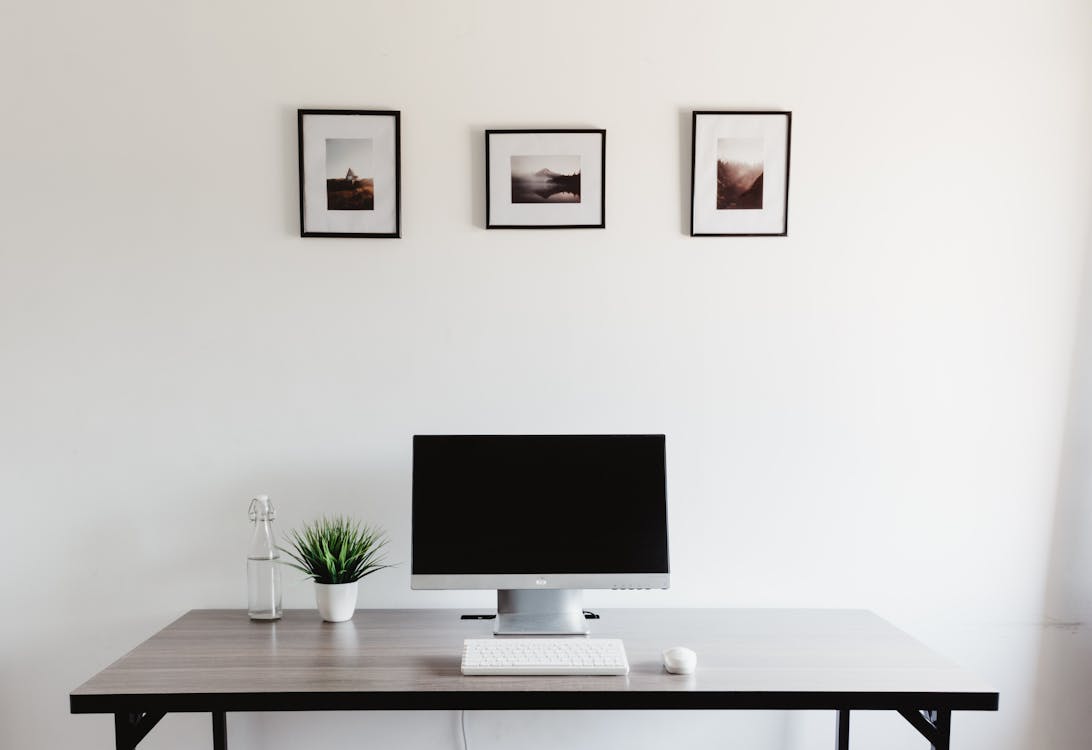
Photo by Zarak Khan on Pexels
Desk Setup Builder may earn a commission from purchases made through links in this article.
A minimal desk setup isn't about deprivation, it's about intentionality. Every item on your desk should serve a purpose or bring you genuine satisfaction. If it does neither, it is clutter. The result is a workspace that feels calm, focused, and easy to maintain.
The visual formula is simple: stick to two or three colors (white, black, and natural wood is the classic minimal palette), hide every cable, and leave negative space on the desk surface. The desk itself should be visible. If you can't see the actual desktop, you have too much stuff on it.
The desk is the foundation. For a minimal setup, you want a clean surface with no built-in shelving, hutches, or cable management grommets visible on top. A simple rectangular slab in white, black, or natural wood is ideal.
If you want sit-stand capability, a standing desk frame with a simple desktop works great. The Flexispot E7 or Uplift V2 with a bamboo or walnut top are popular minimal choices. If you prefer a fixed desk, the IKEA LAGKAPTEN tabletop on ADILS legs or ALEX drawers gives you a clean look for under $100.
The key: match the desktop color to your overall palette. A warm walnut pairs with black accessories. A white top pairs with silver or white peripherals. Consistency is what makes minimal setups look intentional rather than sparse. Browse desks in our catalog for inspiration.
A single monitor on a monitor arm is the centerpiece of most minimal setups. The arm eliminates the bulky stock stand and lifts the monitor to float cleanly above the desk surface. That gap between the bottom of the monitor and the desk is what gives minimal setups their distinctive open feel.
For the monitor itself, a thin-bezel display in the 27 to 32 inch range is the sweet spot. Ultrawide monitors can also look very clean in a minimal setup because they replace two monitors with one, reducing visual complexity. Match the monitor color to your palette . most monitors come in black or dark gray, but white monitors are available from Samsung, LG, and others.
For the arm, the Ergotron LX in white or matte black is the go-to for minimal builds. It holds position perfectly and the integrated cable channel keeps the arm itself looking clean. Browse monitors in our catalog for options.
Wireless keyboard and mouse are non-negotiable for a minimal setup. Cables running from your peripherals to your PC break the clean lines immediately. A compact keyboard (65% or 75%) takes up less visual space and keeps your mouse closer to center, which is better for your shoulder.
The classic minimal pairing is a white or black mechanical keyboard with matching mouse on a simple desk mat. The Keychron K-series (wireless, slim profile) in white is a popular choice. For the mouse, the Logitech MX Master 3S in pale gray or the Apple Magic Mouse in white are common picks. A felt or leather desk mat in a neutral tone ties everything together.
One underrated move: get a keyboard and mouse that charge via USB-C with the same cable. One cable, hidden in a drawer, charges both devices. No charging docks or extra cables needed. Browse keyboards and mice in our catalog.
A monitor light bar is the most minimal lighting option because it mounts directly to the top of your monitor and illuminates your desk without adding any new objects to the surface. The BenQ ScreenBar and Xiaomi Mi Light Bar are the two most popular choices. They cast even, glare-free light across your desk and keyboard without taking up any space.
If you want ambient lighting, a single warm LED strip behind the monitor creates a soft glow that reduces eye strain during night sessions. Avoid RGB strips in a minimal setup . they pull attention toward the lighting instead of letting it fade into the background.
This is where a minimal setup lives or dies. You can have perfect gear choices and ruin the whole thing with visible cables. The goal is zero visible cables from any normal viewing angle.
Browse accessories for more cable management solutions.
A minimal setup doesn't have to feel sterile. One or two personal items add warmth without creating clutter. A small potted plant (a succulent or pothos cutting in a simple ceramic pot), a framed photo, or a single decorative object is enough. The rule: if everything on your desk is functional, add one thing that's purely for you. If your desk already has several personal items, remove a few until the surface feels open again.
A clean minimal setup isn't expensive, it just requires restraint. A simple desk, one good monitor on an arm, wireless keyboard and mouse, a light bar, and disciplined cable management. That's it. The result is a workspace that makes you want to sit down and focus. For inspiration from people who have nailed this aesthetic, browse real desk setups on Desk Setup Builder and filter for minimal builds.